Endpoint Security Investment Sequencing for Growing Companies
Prioritize MFA, backup testing, and EDR before buying more tools.
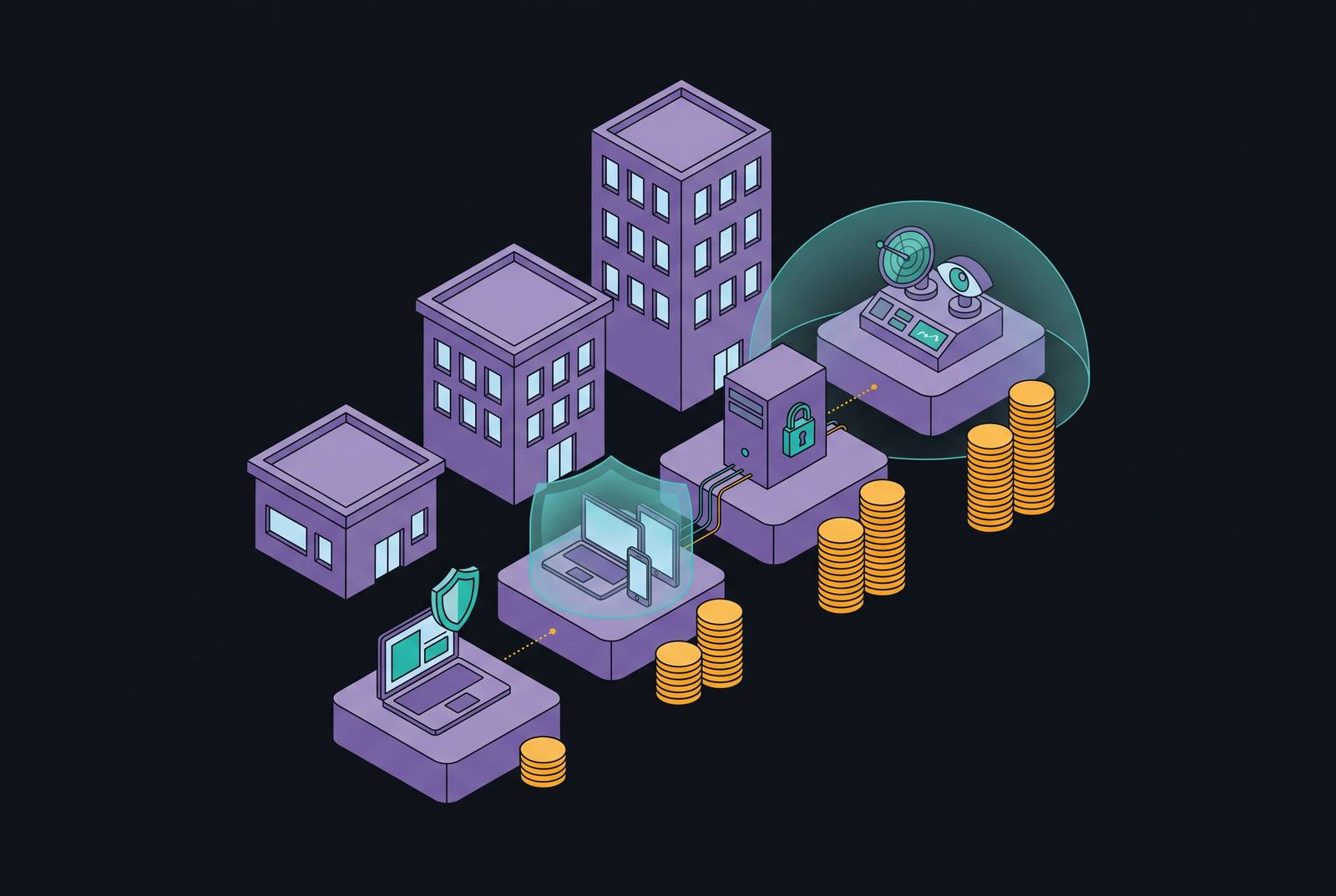
Endpoint security investment sequencing for growing companies comes down to closing the most likely attack paths before buying more tools. For a business without dedicated security staff, the strongest starting order is MFA, managed endpoint detection and response, tested backups, verified patching, and email protection. A managed, integrated platform can turn those controls into a running program in weeks, but protection depends on enforced coverage and someone responsible for responding.
Why growing SMBs are now a primary target, not an afterthought
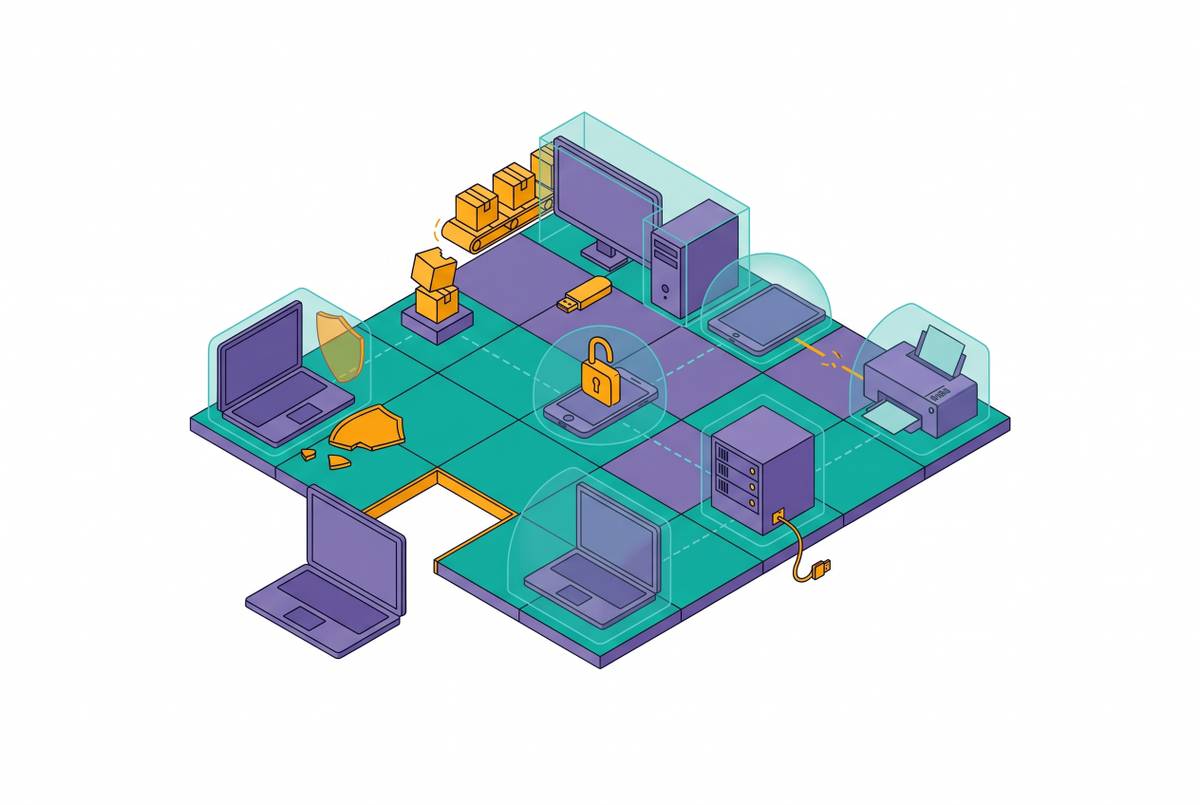
Attackers do not need to choose a small business by name. Ransomware-as-a-Service toolkits let a single operator scan thousands of businesses for exposed remote access, unpatched software, and weak credentials. With few staff, those gaps are harder to close, and flat networks give attackers room to spread once they get inside. Small size is not a useful defense. Automated campaigns make lean businesses an efficient target.
The value of a small company also extends beyond its own data. A regional accounting firm, logistics provider, or specialty manufacturer may have credentials and portals that connect to larger clients. That makes the business a possible supply-chain pivot point as well as a direct target. For a lean team, the useful conclusion is that these entry paths are predictable enough to address in a deliberate order.
How breaches actually happen at companies without a security team
The usual entry points are ordinary and repeatable. They include exposed remote desktop access, or RDP, with weak passwords, unpatched VPN appliances, phishing emails, and cloud admin accounts without multi-factor authentication, or MFA. These are not exotic failures requiring an exotic answer. Each has a control that can help close it, such as stronger account protection, verified patching, or email filtering. That correspondence turns a broad fear of cyberattack into a set of gaps a business can close.
Employees at small businesses experience 350% more social engineering and phishing attempts than employees at larger enterprises. A lean company has fewer people available to teach staff how to spot those attempts, and employees still need to use email to do their jobs. Training helps, but it cannot be the only barrier. Technical controls must cut the number of threats that reach employees and limit the harm when someone takes the bait.
Recovery and response create two further problems. With modern ransomware, attackers may steal data before encrypting it, so the data is still exposed even after a backup is restored. A security tool may also correctly flag suspicious behavior at 2 AM on a Sunday, but no one may act on the alert. Detection alone does not stop the damage. The investment sequence therefore needs prevention, recovery, and human response, rather than treating any one of them as a complete answer.
Why buying security tools in the wrong order leaves you exposed
Reactive buying follows the scare or the sales pitch. A business buys one product after a phishing incident and another when a vendor presents a convincing demonstration. That can produce overlapping coverage without closing the most likely entry paths. The test is whether each purchase addresses a risk that the existing controls leave open.
Security awareness training before MFA and endpoint detection is one example of the wrong order. Training can reduce phishing success, but it cannot compensate for missing account protection or visibility into device behavior. A security information and event management system, or SIEM, creates a different problem when nobody can triage its alerts. It adds signals without adding response capacity. DNS filtering and encryption also have useful roles, but neither substitutes for endpoint detection.
Cyber insurance underwriters also check for these controls. MFA, endpoint detection, tested backup procedures, and security awareness training are standard expectations before coverage is issued. Companies that skip those basics can encounter exclusions they did not anticipate. Insurance is not a substitute for a program.
The investment sequence — ten controls in priority order, with the rationale for each step
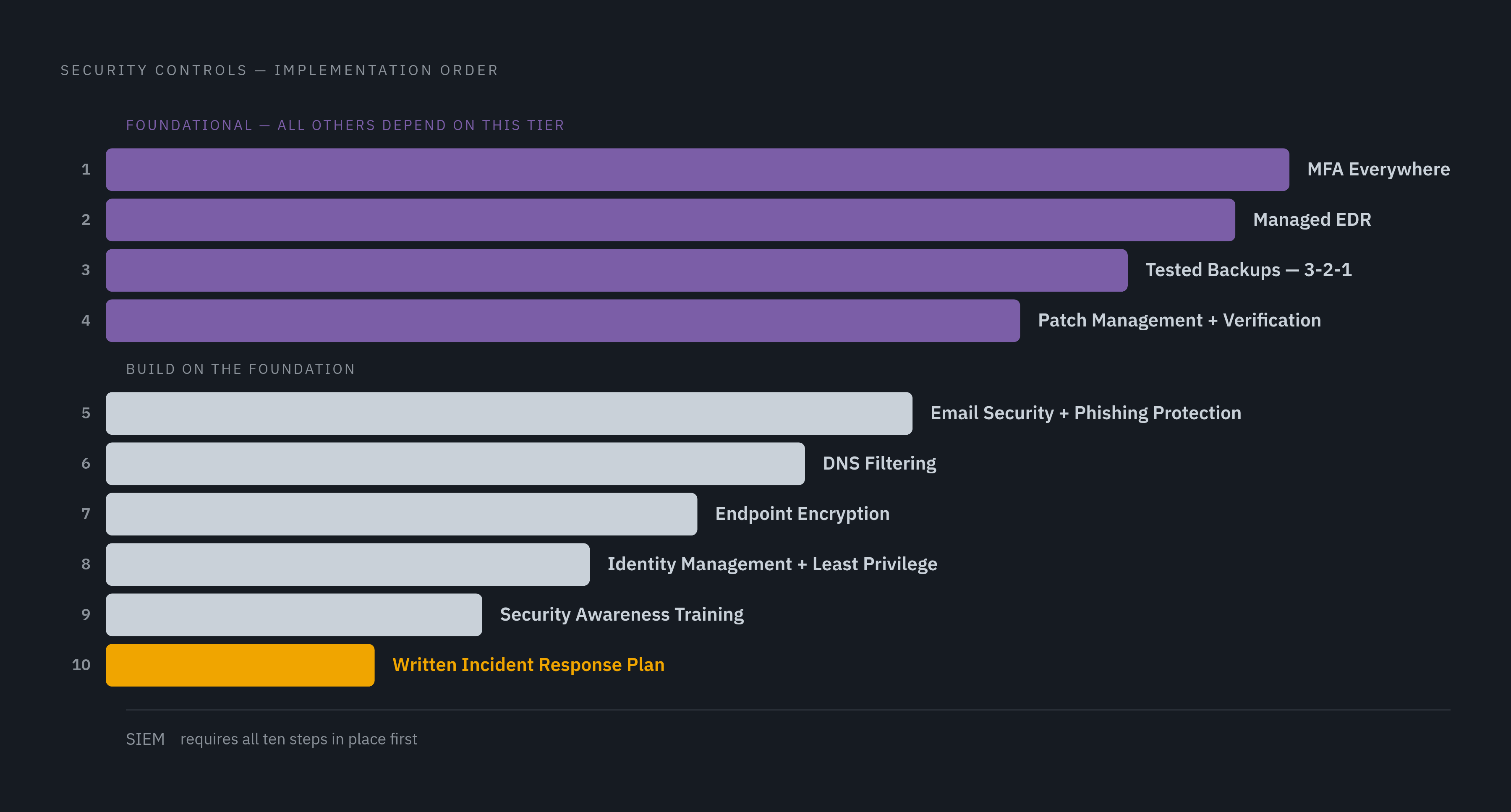
Step 1 is MFA everywhere. Credential theft is the leading entry mechanism, making MFA the first investment because it directly interrupts the use of stolen credentials. Apply it to every cloud application, remote access tool, and admin account before moving to the next step. Partial coverage leaves an avoidable opening behind. MFA must be enforced across those accounts even if it is already available to employees.
Step 2 is managed endpoint detection and response, or EDR. Antivirus focuses on known malicious files, while EDR watches device behavior. A majority of initial-access detections are now malware-free, which limits what file-focused protection can catch. The managed part closes the response gap. A company without a security operations center needs someone to watch and respond to EDR alerts, however many employees it has.
Step 3 is tested backups. Backups that have never been restored can fail when the company needs them, so a restore test is a required part of the control. Follow the 3-2-1 pattern, with three copies, two media types, and one offsite. Recovery must work when the business needs it. Backups belong after the first two controls because they address operational recovery, while the theft of data before encryption calls for other controls.
Step 4 is patch management with verification. After credentials, unpatched software is a predictable way in, and automated scanners work through weaknesses in exposed systems, including VPN appliances and legacy on-premise systems. A patch being pushed does not prove it was successfully applied. Verification closes that gap in the process. This step fixes known software weaknesses before an attacker uses them, so the company has more than detection to rely on.
Step 5 is email security with phishing protection. Filtering and anti-spoofing controls reduce the threats that reach employees, cutting down opportunities for credential theft and ransomware delivery. They belong after MFA and EDR because filtering cannot catch everything. Some phishing attempts will still get through. The earlier controls limit the consequences when that happens, while email security reduces how often employees face the threat.
Step 6 is DNS filtering. It blocks connections to known malicious domains before a payload is delivered. This is a lightweight, low-maintenance addition once the foundational controls are running.
Step 7 is endpoint encryption. It makes data on a lost or stolen device unreadable and is a baseline requirement for businesses handling customer PII, financial records, or regulated data. Its role is data protection rather than threat detection, which explains its position after detection and recovery.
Step 8 is identity management with least privilege. It limits what a compromised account or device can reach, reducing the spread of damage after credential theft. A zero-trust approach grants access based on identity, device health, and the sensitivity of the resource.
Training belongs here because it reduces the chance of a mistake but cannot replace MFA, EDR, or tested backups.
Step 10 is a written incident response plan. Keep it specific about who to call, what to isolate, how to communicate, and where the tested backups are. It need not be a long document. Its purpose is to prevent slow, inconsistent improvisation during an incident. SIEM requires completion of these controls and someone available to triage its alerts.
How the sequence shifts based on company size and IT capacity
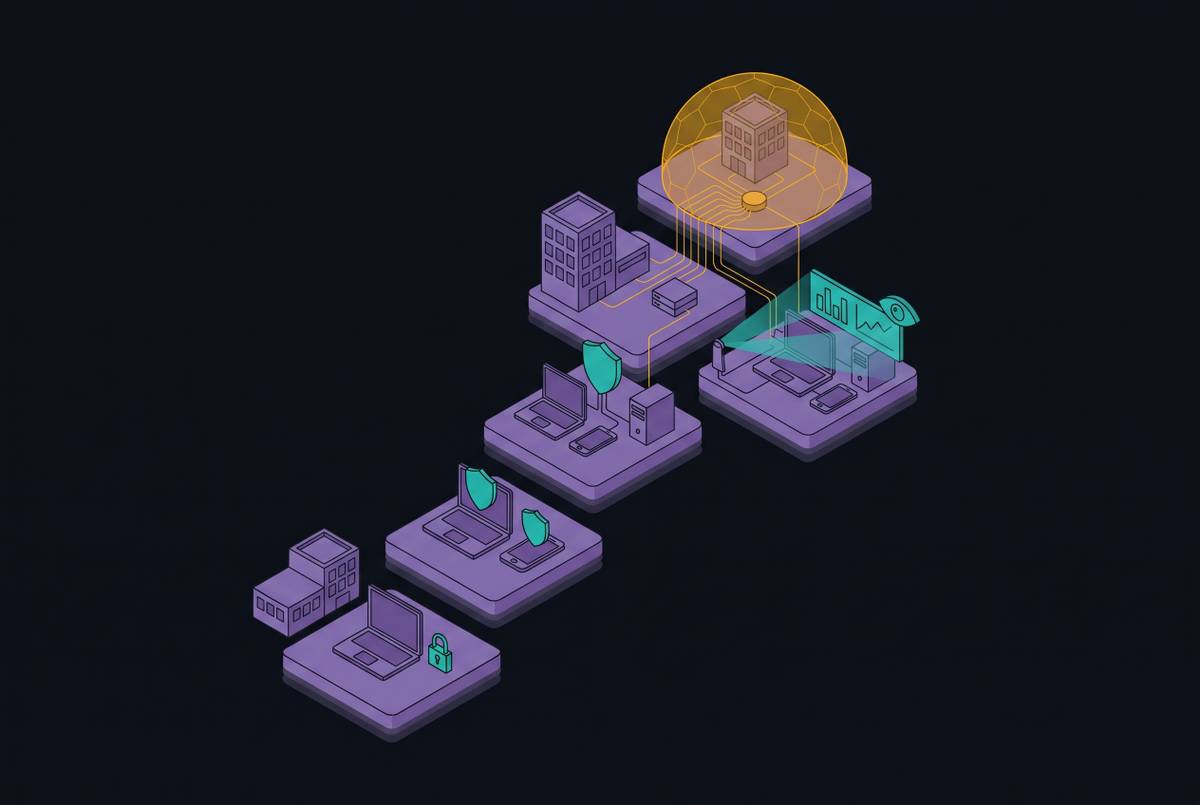
For a business with only a handful of employees and no dedicated IT staff, operating capacity is the constraint. The company still needs the first controls, including managed EDR. The managed layer supplies work that otherwise has no clear owner, while an integrated platform reduces the burden of configuring and maintaining separate tools. The sequence remains useful because it keeps a small team focused on foundational gaps when choosing from a vendor’s catalog.
For a growing business relying on an IT generalist or operations leader, deployment is only part of the workload. Someone also has to keep controls enforced as employees, devices, and applications change. That work does not end after installation. An integrated view of device health, identity, and compliance reduces the overhead that otherwise falls on the same person handling day-to-day IT. More internal capacity can change the pace through the sequence, but it does not make unmanaged alerts useful.
For a company handling regulated or high-value data, sensitivity can outweigh headcount. A five-person medical billing firm that handles protected health information needs stronger identity and audit controls than a 40-person marketing agency. Size alone is the wrong guide here. Regulatory exposure increases the priority of endpoint encryption and least-privilege identity controls in steps 7 and 8. The sequence is a framework for allocating attention while keeping controls that the company’s data already requires in place.
What a managed platform does that a tool stack alone cannot
The hardest work begins after the tools are installed. They need to operate continuously, including when the person responsible for IT is asleep or occupied with another problem. Building an in-house security operations center requires a minimum of eight to twelve full-time analysts, which puts it outside the reach of most companies under a few hundred employees. A managed service supplies both the technology and the human response layer, with a contractual obligation to triage and contain alerts.
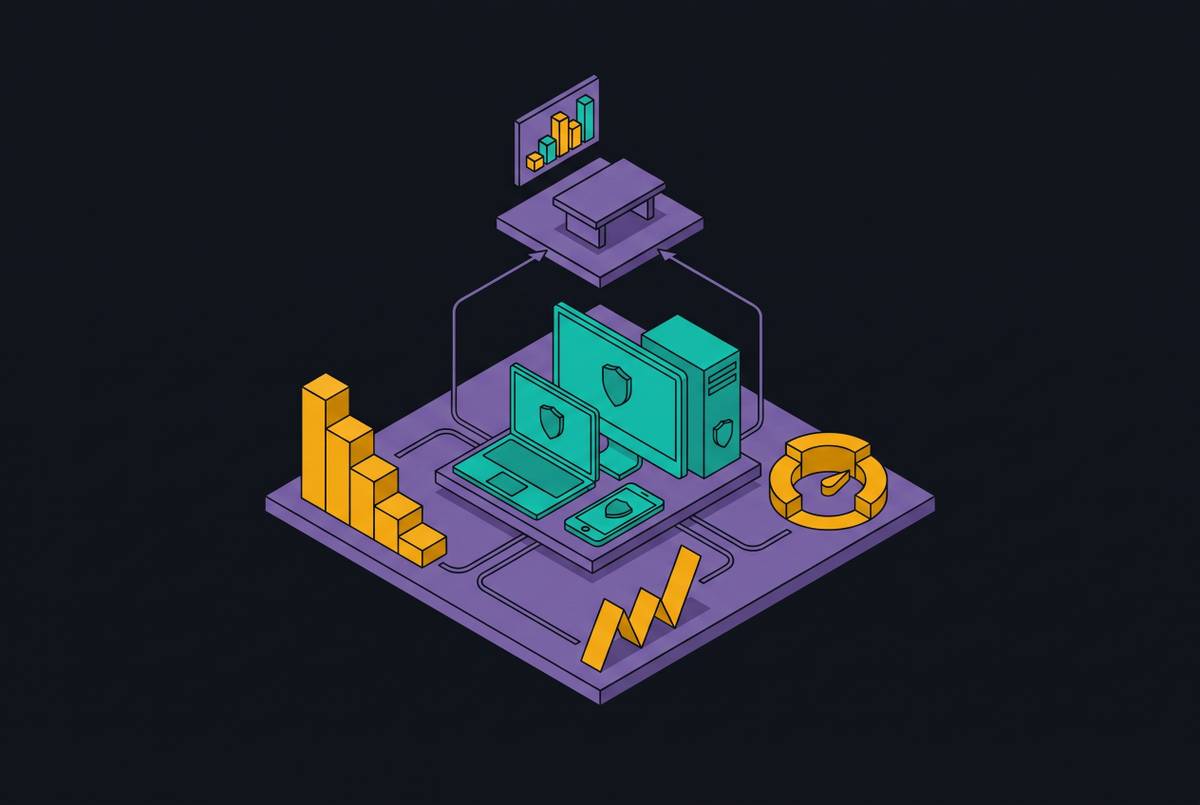
Integration addresses a separate part of the workload. A fragmented stack of five single-point tools can produce overlapping alerts, coverage gaps, and no single view of device health, identity, and compliance. The company still has to make those pieces work together. A platform that brings device management, endpoint security, identity protection, and compliance together reduces that overhead and enforces controls without requiring a practitioner to configure every layer separately. That makes the platform an operating program rather than a collection of products awaiting an operator.
For a buyer asking whether the company is actually protected, deployment alone is weak evidence. More useful criteria include enforced MFA, managed endpoint coverage, successful restore tests, verified patching, and a named party responsible for containment. Underwriters increasingly favor or require a named security operations provider, rapid containment capability, and demonstrable monitoring. An integrated managed platform is better positioned to produce the investigation records and security telemetry needed at renewal.
Speed is useful only when it includes operations. A managed, integrated platform that deploys in weeks offers a faster path than months of professional services for a company without dedicated security staff. But a two-week deployment target is not itself evidence that the full program is running. The distinction is between installing tools and establishing enforced controls with ongoing response. The latter is what closes the gap identified by the unanswered Sunday-morning alert.
Where should you begin if you have not started yet?
If MFA is not enforced on every cloud account and remote access tool, begin there rather than with a comprehensive audit or vendor evaluation. It costs little, deploys fast, and directly interrupts credential abuse. If MFA is already in place, the next question is whether EDR has a managed response layer. Close that gap before adding another tool.
Before buying more, use a cyber risk assessment to map what is in place, find missing controls, and rank the gaps by how much they could affect the business. The sequence gives that conversation a practical structure. It also helps someone who is not a practitioner challenge a proposal that jumps to step 7 while steps 1–4 are still uncovered. Start today by checking whether MFA is enforced across every cloud account and remote access tool, and close the exceptions.