Automating MDM, EDR, and Compliance Enforcement When No One Owns Security Full-Time
Small businesses need automation to enforce security controls nobody has time to manage.
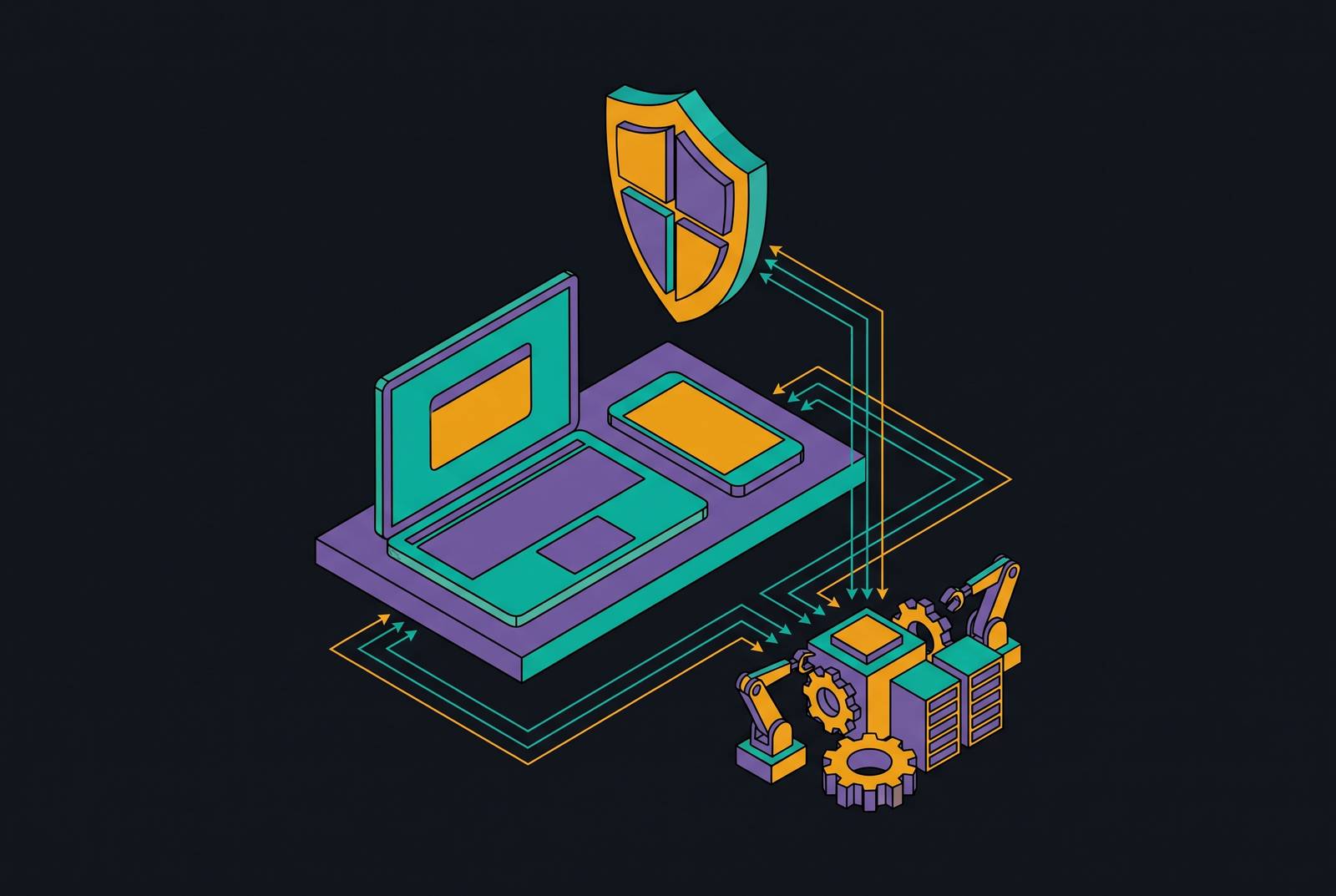
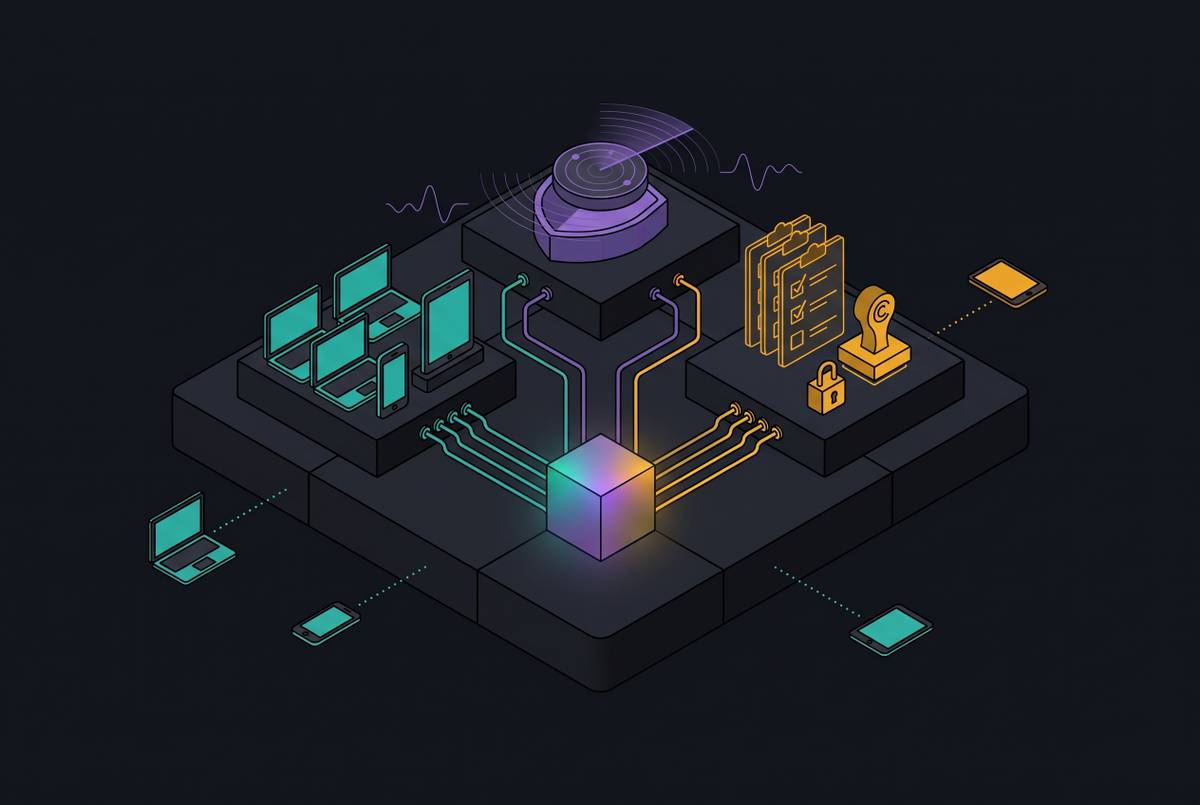
Automating MDM, EDR, and compliance enforcement means replacing the daily security work that a lean team has nobody to do. For an SMB without a security team, a unified platform needs to manage devices, contain threats, and correct policy drift without waiting for an internal operator. The right setup uses automated enforcement and adds managed response when alerts still need a person’s judgment.
Why lean teams cannot rely on manual security operations
Buying a security tool is not the same as having it working across every laptop. A founder may believe the fleet is protected because the software was purchased and the first devices were enrolled. But with manual setup, gaps open as employees join, devices change, and other work comes first. Ownership gets blurry after the initial rollout. The tool is there, but the work to keep it working goes undone.
MDM, EDR, and compliance platforms commonly assume that a practitioner will monitor dashboards, review alerts, and fix settings that have drifted. At a small business, those duties fall to an IT generalist or a founder who already has another job. Neither has time set aside to do the security work. A dashboard shows problems that still require someone’s attention to resolve.
That is why the tool must be set up properly and kept in use across the fleet to protect the business. Devices can slip past enrollment, detections can sit unreviewed, and policies can stop being enforced after setup. These are three consequences of relying on work that nobody consistently performs. What is missing is the human layer.
The threat environment that makes this gap dangerous for SMBs
Attackers benefit directly from the work that thinly staffed businesses leave undone. An unpatched endpoint or misconfigured remote-access system gives automated attacks an opening without requiring an attacker to single out the company by hand. Being small does little to protect a business from those attacks. Verizon’s 2026 DBIR found that ransomware appeared in a large majority of SMB breaches, far above the rate across all organizations.
The same report found that vulnerability exploitation had overtaken credential abuse as the primary breach mechanism. That change puts pressure on teams that plan updates but never check that they were applied. Remote access is a particular weak point. At-Bay’s 2026 InsurSec data found that VPN exploitation as a ransomware entry vector had nearly doubled over two years. Infrastructure configured once and rarely revisited leaves exactly the kind of opening that continuous checks are meant to catch.
Credential exposure gives attackers another way into the business, so device controls need to work with identity protection. Once an attack starts, an unreviewed endpoint alert creates a second gap between detection and action. Detection alone does not stop an attack. Hiscox’s 2026 report found that only roughly half of ransom-paying organizations recovered all their data, and more than a quarter were attacked again afterward. Payment is no dependable substitute for containment or recovery planning.
The state of backups also changes the financial stakes. Businesses whose backups were compromised had to spend many times more on recovery than those whose backups were intact. For a small business, that difference can threaten its ability to keep operating. Automated, verified backup is therefore a financial control.
What MDM, EDR, and compliance enforcement each do — and where each breaks without someone watching
Mobile device management, or MDM, provides one place to manage and secure work devices. It handles onboarding, offboarding, remote lock and wipe, app distribution, operating-system patching, and security policies instead of leaving those jobs to scripts and spreadsheets. A laptop that missed setup, or fell off management after an operating-system upgrade, can quietly disappear from coverage. Even a well-managed device still needs a connection to identity controls and multifactor authentication, or MFA.
Endpoint protection, or EPP, blocks known and obvious threats. Endpoint detection and response, or EDR, watches device behavior, spots attack patterns, records a timeline, and gives a responder tools to isolate the machine. That last step exposes the staffing assumption. Without someone reviewing detections and using those tools, an attack can trigger an alert and still go unaddressed for days.
Managed detection and response, or MDR, adds the people needed to close that gap. It pairs EDR with a security operations team that monitors alerts around the clock and responds on the customer’s behalf. A business with nobody watching overnight or on weekends needs response capacity. MDR supplies that capacity without requiring the business to staff the role internally.
Policies set during enrollment can drift as new devices join the fleet, operating systems change, and employees change settings. An old green dashboard is not current proof. Continuous monitoring and automated remediation keep checking the actual state and restore approved settings when they change. When these disciplines operate separately, however, someone must still reconcile an enrolled device, an outdated operating system, and an unanswered detection across different tools.
How automation replaces the missing human layer across all three disciplines
With zero-touch provisioning, a device joins the managed fleet when an employee receives it, without someone having to handle manual enrollment. Continuous coverage monitoring then flags devices that fall off management before an audit uncovers them. When disk encryption, screen lock, or firewall settings drift, policies are reapplied without a practitioner checking each laptop.
MDR removes the customer’s staff from the operating loop by having analysts triage and contain detections. A detection fires, the service reviews it, and response happens without waiting for the founder to open a dashboard. Autonomous containment can shorten the process further by isolating a compromised endpoint from the network on a confirmed detection before an analyst acts.
Response-time examples make that distinction concrete without turning it into a promise for every deployment. ESET MDR reports a 6-minute mean time to respond. Sophos reports that a majority of cases are resolved end-to-end by AI, with rapid automated response. These examples show where response services are competing.
Pre-built templates mapped to frameworks, including CIS benchmarks, reduce the work of translating a requirement into a device policy. Remediation engines spot drift and put the correct configuration back in place without waiting for someone to review it. Reporting is generated continuously from that enforcement work. The evidence trail therefore exists before an auditor or customer asks for it, rather than becoming a separate project at review time.
Those actions become more useful when the systems share device and identity signals. An MDM system that knows a device has fallen out of compliance can tell EDR that the device presents higher risk. A suspicious login can trigger device quarantine through the connection between identity and MDM. This removes another handoff from the customer’s workload. Without that connection, each tool may do its own task automatically while the team still has to piece the results together.
How should a small business choose MDM, EDR, and compliance based on devices, needs, and staffing?
The practical selection process starts with device mix, then moves to the reason for buying and the ability to respond to alerts. For a small Mac-only fleet, Apple Business Manager can be enough to start. Growth changes the deployment burden, because manual one-by-one enrollment stops scaling and a dedicated management platform becomes necessary. Windows-centric teams have a different starting point. Microsoft Intune is a natural first look because Microsoft 365 Business Premium includes it with Defender for Business, potentially bringing management and endpoint protection into an existing purchase.
A fleet with both Mac and Windows devices needs cross-platform management, but the choice also depends on how well the platform is put to use. Poor deployment can let the platform’s tradeoffs leave gaps in protection. If the concern is a lost laptop, basic MDM with remote lock and wipe addresses the primary requirement. That is a lighter deployment need than proving that every device follows the same security rules.
A customer security questionnaire blocking a deal requires consistent, provable enforcement across the whole fleet, including laptops that might otherwise miss manual setup. A compliance requirement such as HIPAA, PCI-DSS, or SOC 2 demands deeper deployment because controls must remain enforced between audits. Initial configuration is not enough for that job. The more demanding the trigger, the stronger the case for automated enrollment and continuous remediation. A lower-cost starting point is useful only if it meets the need that prompted the purchase.
Staffing then determines the response tier. A capable IT generalist can run self-managed EDR if that person can realistically review alerts and respond. That person must be there when attacks need attention, including outside normal office hours. A team without overnight or weekend coverage should prioritize MDR, whose higher service tier includes the response capacity it lacks. The budget comparison is therefore between operating models.
The baseline extends beyond those three disciplines. MFA everywhere addresses credential-based entry, while email security adds phishing protection. MDM needs automated enrollment and drift remediation, and endpoint protection needs either internal response capacity or a managed service. Recovery requires verified, immutable backups. Patching also needs a check that the update was installed after it was scheduled.
Why a single integrated platform outperforms a manually assembled stack for teams with no security owner
A separate MDM console, EDR dashboard, and compliance reporting tool leave coordination work behind even when each product works well. Each has its own agent, alert queue, and reporting. Someone has to reconcile what those systems say. A manually assembled stack can share context, but connecting and maintaining it requires the practitioner this business does not have. Integration is therefore part of the operating model.
A connected platform can pass an unenrolled-device finding from MDM to the compliance layer, or use a confirmed EDR threat to trigger MDM quarantine. Identity events can also raise a device’s risk status without someone comparing dashboards. Onboarding and offboarding show the practical effect clearly. When HR events automatically provision and revoke device access and application permissions, the gap between an employee leaving and access being revoked shrinks from days to minutes. The system completes work that would otherwise wait for a handoff.
That is where Zip’s positioning fits the needs of a lean team. Its proposition centers on solving deployment and keeping existing security tools aligned, enforced, and provable, rather than leaving the customer to operate disconnected controls. Fast deployment is only the starting point. Continuous enforcement keeps the setup useful as devices, people, and settings change, while live reporting shows compliance evidence based on how things stand now. For an SMB evaluating a unified MDM, EDR, and compliance platform without a security team, those are concrete selection criteria.
Using one platform also cuts the work around security, with fewer consoles to watch, renewals to manage, and integrations to keep working. But one platform is not automatically an answer to unanswered alerts. The platform must actually provide the automated containment or managed response the staffing situation requires. The goal is security that runs itself, so the founder or IT generalist can focus on the business.
Sources
- The Best MDM Software for Small Businesses Without an IT Team
- How Automated Enforcement Saves 20+ Hours a Week | Zip Security
- From Technical Debt to Baseline: 5 Ways to Automate Your Security | Zip Security
- Building a Culture of Security Consciousness: Getting a Security Program off the Ground as a 'Department of One' | Zip Security
- Best EDR for Small Business: A Buyer's Guide to Endpoint Security | Zip Security