Browser as an Endpoint Risk Vector in SaaS-Heavy Environments
Unpatched browser sessions expose SaaS data that endpoint defenses cannot see.
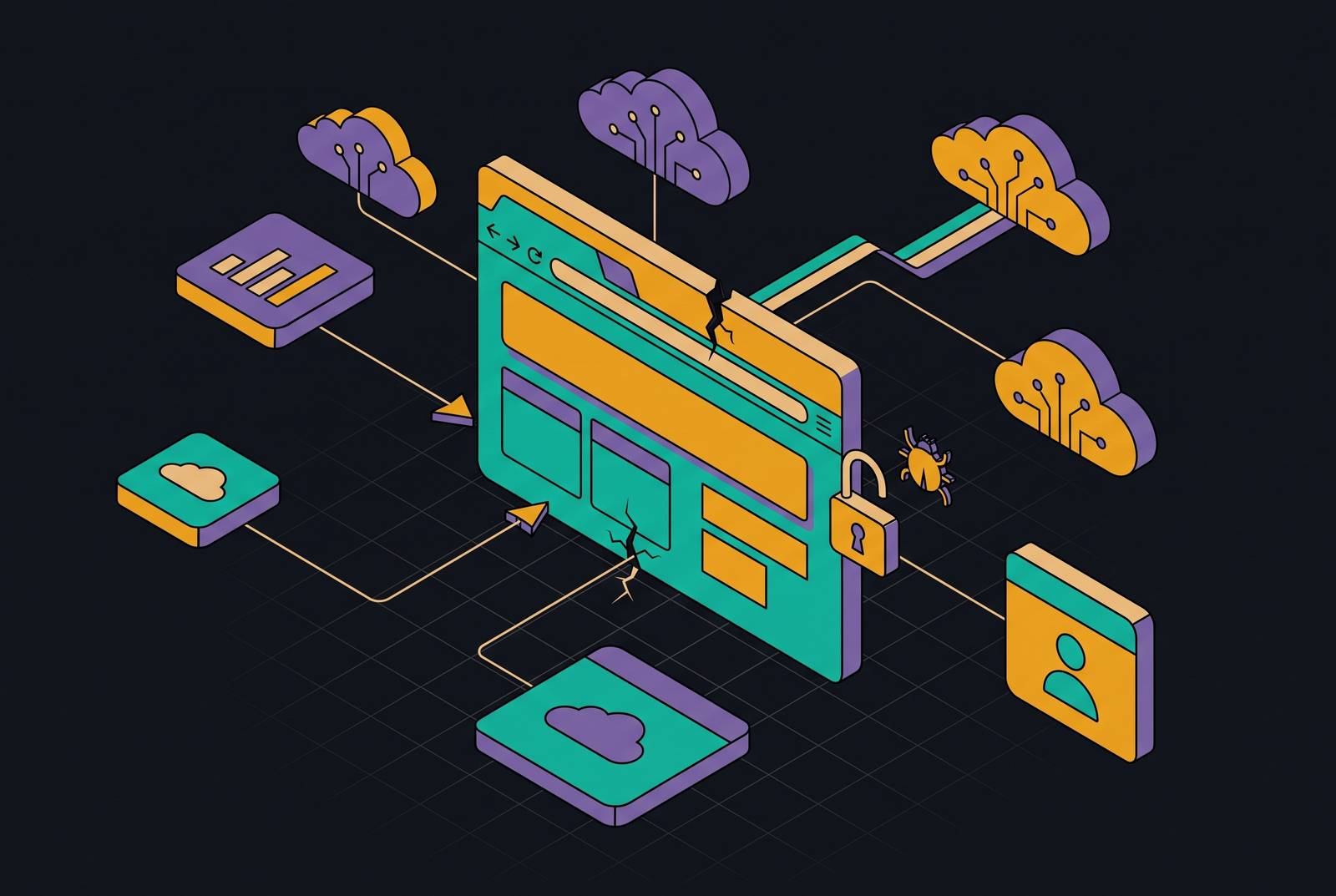
The browser has become a primary attack surface in SaaS-heavy workplaces because valuable work now happens above the layer traditional endpoint defenses watch. Endpoint detection and response, or EDR, remains necessary, but it cannot provide complete coverage of browser sessions, identities, and permissions. For lean IT teams, closing that gap means extending existing security controls.
Why the browser has become the primary attack surface in SaaS-heavy environments
Employees use the browser to open documents, use cloud applications, approve requests for access, and work with AI tools. They move from one service to another without leaving the browser. NordLayer's Web-based Threats Report 2026 found that all 504 applications it reviewed could be used through the browser, and the large majority could only be used that way. For most of those workflows, a non-browser fallback is not a meaningful option. The browser is where enterprise work takes place.
That concentration makes it a high-value target for attackers. The browser interprets and executes remote code while managing authenticated sessions across enterprise applications. It increasingly serves as the execution layer for AI workflows, too. Keep Aware's 2025 telemetry found that a substantial share of end users interacted with at least one AI web tool, averaging nearly two AI tools per person. Those sessions extend work into tools that sit outside traditional security governance.
The architectural shift is bigger than a change in software delivery. A browser session now connects the employee's identity, application permissions, and sensitive data. That creates a distinct place to attack. An intruder who gains access to that session may not need to take control of the computer underneath it. Security built around detecting a compromised host therefore covers only part of the work environment.
What EDR was built to watch — and where that coverage ends
EDR watches processes, files, malware, and the ways attackers keep access to a host. Its detection model looks for evidence of malicious execution and suspicious process-level behavior. When attackers run code on the device, endpoint defenses are still needed. The limit appears when an attack needs no malicious host execution to achieve its goal.
An employee can authenticate to a cloud application, approve an OAuth request, open sensitive files, or upload data through an ordinary browser session. All of those actions can take place without creating an executable that an attacker controls. At the endpoint layer, the activity may look normal. EDR's design leaves a coverage gap in judging actions inside an authenticated SaaS session, including whether an access grant or data request serves an attacker.
The 2025 Salesloft Drift incident shows that distinction clearly. Threat group UNC6395 obtained OAuth tokens tied to Drift integrations and used them to make high-volume API calls against customers' Salesforce environments. Authenticated SaaS access enabled the data theft. There was no malware process for EDR to inspect as part of those requests. Expecting endpoint protection alone to detect that activity assigns it a job outside its detection model.
Three specific attack mechanics that stay above the endpoint layer
Adversary-in-the-middle phishing, known as AiTM, intercepts authentication. In 2026, Storm-2755 used search engine poisoning and malicious ads to target Canadian employees. People searching for “Office 365” reached an attacker-controlled Microsoft 365 login page that proxied the real authentication flow. The proxy captured credentials, session cookies, and OAuth access tokens. Ordinary endpoint process telemetry did not reveal the interception.
Microsoft observed the same session ID switch from the victim's browser to an Axios user agent as Storm-2755 replayed the stolen session. The attackers accessed Microsoft services, searched for payroll and HR information, and created inbox rules to hide banking-change messages. In some cases, they also accessed Workday. The stolen session supplied the access they needed. Keep Aware's telemetry found that phishing was the largest single category of observed browser-based attacks, while phishing domains had a median age of over 18 years. Domain age alone is therefore a weak filter.
Extensions can run persistent, highly privileged code inside user sessions, using standard browser APIs to read page content, observe URLs, interact with forms, and transmit data over HTTPS. None of that necessarily requires a new process. The same telemetry classified roughly one in eight unique installed extensions as High or Critical risk. A marketplace label such as “productivity tool” says little about the risk when an extension requests broad access to tabs, cookies, storage, and web requests.
At the host level, those actions can appear as an ordinary browser making HTTPS connections. Extension inventory, permissions, and policy supply the missing context. Session token theft leaves a related gap, though attackers can use endpoint malware to steal the tokens in the first place. Infostealers extract active cookies from the browser's cookie store, giving attackers authenticated access without the user's password or another MFA challenge. LummaStealer, frequently delivered through ClickFix techniques that abuse browser trust prompts, specifically targets cookie stores and session tokens.
How sensitive data leaks through the browser without triggering traditional DLP
The browser gap also affects data loss prevention, or DLP. Sensitive data moves through authenticated web sessions, but traditional controls may watch other parts of the system. A tool that recognizes an approved application does not necessarily establish whether the account receiving the data is governed by the business. Application approval and account control are different boundaries.
Keep Aware's 2025 data found that, during a one-month snapshot of authenticated sessions, roughly half of sensitive inputs to web apps went to personal accounts and unverified work accounts. The application name was not the deciding factor. Sensitive uploads concentrated in nominally sanctioned platforms, including SharePoint, Google services, Slack, and Box. Whether the user had signed in under a corporate or personal identity determined the governance context.
AI tools used through the browser widen this mismatch because employees paste internal documents, source code, financial information, and regulated data into them. The controls already in place often cannot see that activity. AI adoption has outpaced governance in most organizations. Framing this only as an employee behavior problem misses the architecture beneath it. The control needs to distinguish the identity and context of a transfer.
Why SMBs running lean IT face the sharpest version of this exposure
Small and mid-sized businesses often lack the identity controls and rules they need to contain attacks at the browser layer. Most have no browser extension governance at all. Shared passwords, incomplete single sign-on rollouts, and MFA gaps leave SaaS access unevenly controlled. Even configured SSO can coexist with “ghost logins” when applications do not enforce SSO-only authentication. A central sign-in system is not the same as a fully enforced access boundary.
Verizon's 2026 Data Breach Investigations Report found ransomware in the majority of SMB breaches, with stolen credentials appearing in a substantial share. Browser-delivered access also has a documented connection to ransomware. Eurojust reported in June 2026 that SocGholish used compromised websites that showed fake browser updates to gain a foothold that was later used to install ransomware. That route required no endpoint exploit. Browser risk can therefore lead into host-level compromise as well as remain within SaaS.
Meanwhile, AI-generated phishing can use perfect grammar, credible tone, and context-specific salutations. “Watch for typos” is no longer useful guidance. AI also lets attackers set up and tear down phishing infrastructure, including domains and malicious websites, within minutes. For a founder or IT generalist, this puts more pressure on controls than on spotting awkward language.
The common SMB pattern is endpoint protection, email filtering, and backup deployed without clear rules for ongoing monitoring, review, or enforcement. The tools exist, but their coverage is assumed. Access can persist after staff departures while browser-layer compromises go undetected. Without dedicated security staff, maintaining the links between device policy, identity, and SaaS access becomes the sharpest operational challenge.
The controls that close the browser gap — and how they map to lean IT teams
For lean IT teams, the practical response starts with configuration changes in tools already deployed. Managed browser policy can block unapproved extensions through free Chrome Enterprise or Edge management. This directly addresses the extension exposure illustrated by Microsoft's March 2026 incident involving malware disguised as an AI assistant. Setting SaaS session timeouts to a maximum of eight hours also limits the window during which a stolen session cookie remains exploitable.
Teams should enforce phishing-resistant FIDO2/WebAuthn authentication where the identity provider supports it. Its protection comes from binding the authentication response cryptographically to the legitimate origin. By blocking an AiTM proxy from relaying a valid credential through that exchange, this authentication provides the strongest built-in defense against the phishing method described earlier, independently of employees' ability to spot a convincing fake.
OAuth monitoring needs a separate licensing check. Google Workspace has basic app review in its admin console, but advanced monitoring needs Enterprise/Education Standard or higher. Microsoft 365 offers this through Microsoft Defender for Cloud Apps, which needs an extra license. It is included in Microsoft 365 E5, but not E3 or Business plans. Turning on the monitoring available to the team helps reveal unauthorized OAuth grants, though some teams will have to pay to use it.
Teams can improve their policies and processes without a new tool or specialist help. Teams should replace typo-based phishing training with “Pause • Verify • Proceed” for payments, bank changes, and urgent approvals. Access revocation should happen on the day someone leaves. A one-page incident response plan should include an off-network contact list, systems ranked by recovery priority, a first-hour checklist, the regulatory reporting clock, and a post-mortem step. Response speed changes the cost of an incident.
Where additional tooling is needed, an integrated platform connecting device management, identity enforcement, and browser-layer policy is more practical for lean teams than separate vendors for each. Consolidation reduces gaps between policies managed in different places. EDR is still the right foundation for dealing with host-level threats. Browser and identity controls extend that foundation into the environment where employees work, without requiring a security rebuild.
How to evaluate whether your current security stack has the browser layer covered
Teams can assess their tools with four questions, answering them based on what those tools can do today. The first asks whether the team can produce an inventory of every installed browser extension, including permission scope and risk classification. An installation count is not enough context. The March 2026 AI-assistant-disguised malware incident illustrates the team's need for permissions and risk information to judge what those extensions are allowed to do.
The second question tests session auditability. If an employee's session token were stolen today, could any current tool alert before an attacker used it to access a SaaS application. An answer that depends entirely on an endpoint alert exposes the structural gap illustrated by Salesloft Drift.
The third check asks whether the team has a current list of every third-party application granted OAuth access to Microsoft 365 or Google Workspace. It also asks whether individual grants can be revoked without calling a vendor. Inventory and control belong together in this assessment. An unauthorized OAuth grant is the SaaS-layer equivalent of an unmanaged credential. Knowing an integration exists is not enough if the team cannot remove its access.
When an employee uses a personal account to access a sanctioned SaaS application from an unmanaged or personal device, does any control respond. A policy confined to the network or endpoint leaves that browser path uncovered. An application allowlist alone leaves the approval status of a session unresolved even when the service is approved.
An unanswered question identifies a specific coverage gap. Teams can map each gap to extension policy, session visibility, OAuth governance, or identity enforcement. Some answers require only configuration. For a first or next investment, the practical test is whether a platform connects device management, identity protection, and browser-layer enforcement well enough to answer all four questions without separate vendors for each.
Sources
- Enhancing Enterprise Security: The Case for Enterprise Browsers | Zip Security
- What Is SaaS Security? Risks & Best Practices | Zip Security
- Identity Access and Device Management: A Simple Model for Modern SMB Security | Zip Security
- Endpoint Protection vs. Data Control: Understanding the Difference | Zip Security