Endpoint Coverage Map for Small Teams That Cannot Afford Three Security Consoles
One integrated platform beats three consoles for small teams without security staff.
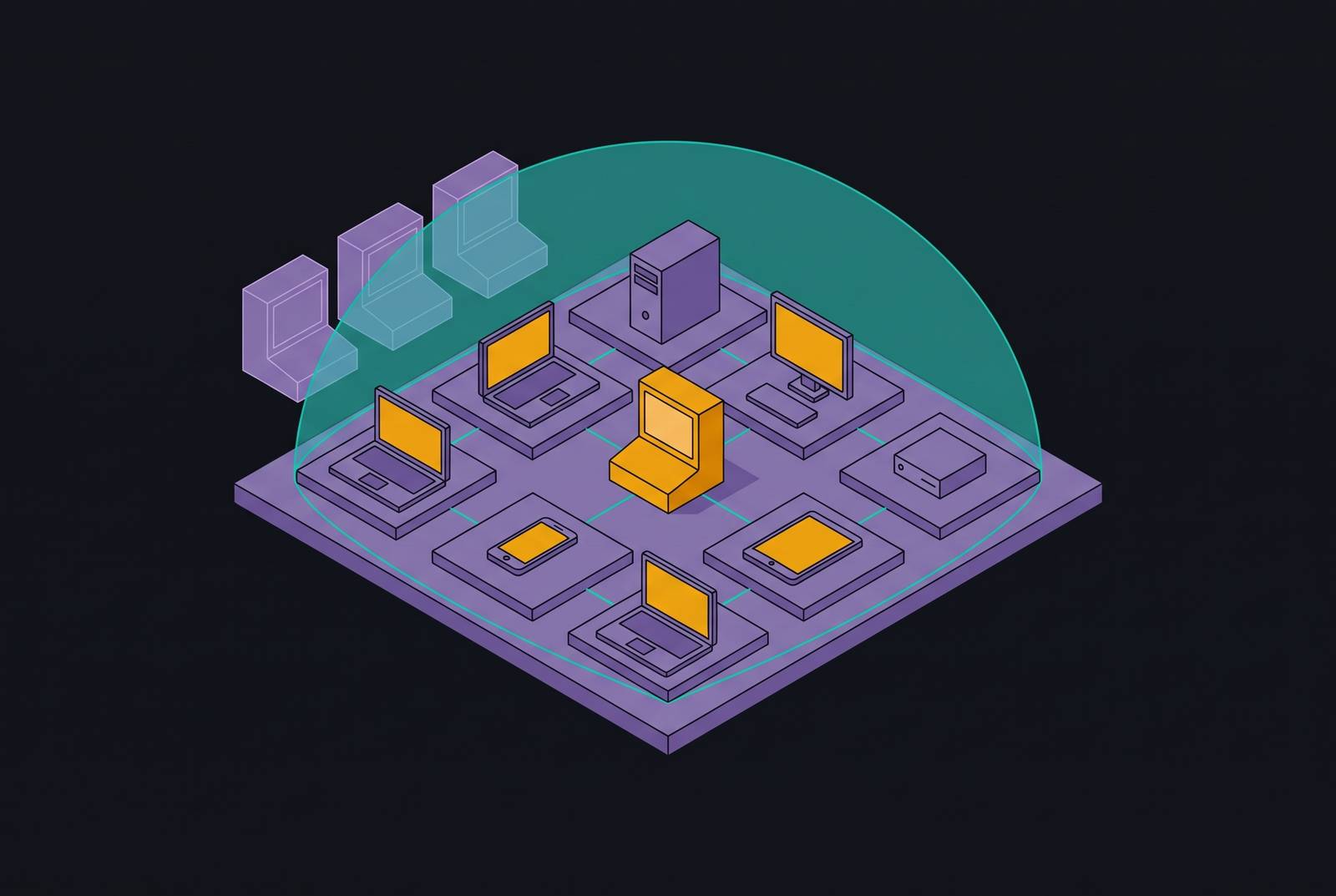
An endpoint coverage map shows which protection each device has and who can run it. For small teams without security staff, an integrated platform combining device management, endpoint protection, identity, compliance, and managed response can close gaps without creating three consoles to watch. The deciding factor is not whether software is installed, but who acts when it finds trouble.
Why "covered" on a dashboard is not the same as protected
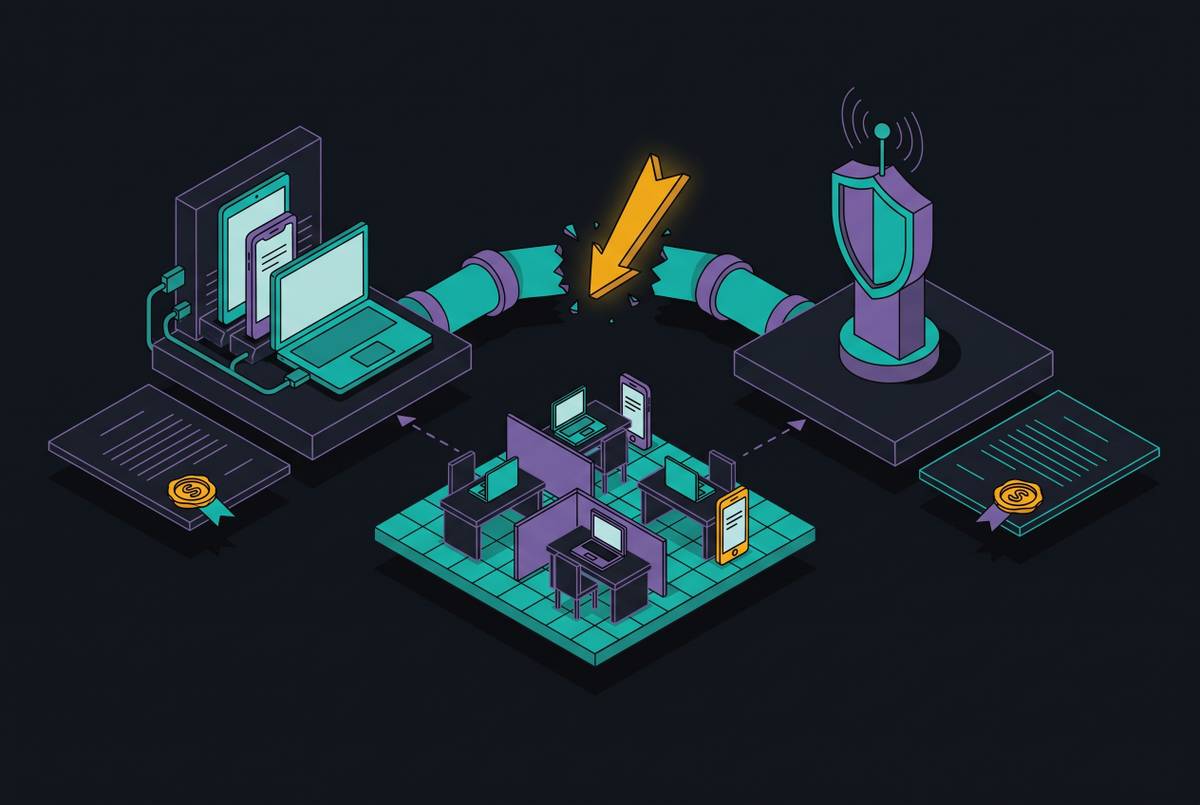
Picture a founder checking a green security dashboard the morning after an overnight intrusion. Every device has endpoint software, and the dashboard says “protected.” But nobody saw the alert when it arrived.
A dashboard cannot tell a business whether anyone will see, understand, or respond to an alert at 2 a.m. on a Saturday unless that responsibility has been settled. Most small businesses already have something installed. The mistake is paying for an investigation console nobody opens, then treating its presence as proof that someone is handling security.
Why small businesses are the deliberate target, not accidental collateral
That staffing gap draws attackers to small businesses on purpose. With fewer people in IT, more time between patches, and nobody watching overnight, attackers can get a payoff with less resistance than they would face at a large enterprise. Verizon’s 2025 report on data breaches found ransomware in a far larger share of SMB breaches than breaches at large organizations.
Ransomware-as-a-Service models make that targeting practical at scale. Criminal groups can scan thousands of businesses for exposed remote access, unpatched software, and weak credentials. Akira targets sectors including manufacturing, schools, IT, healthcare, financial services, and food and agriculture. Play steals data before encrypting it.
Exploited vulnerabilities, compromised credentials, and phishing are all addressable through controls small businesses can deploy. But response time still changes the outcome. As the median time from intrusion to ransomware execution has shortened, an alert waiting until Monday morning has become a weaker defense. Prevention and timely action need to meet.
What an endpoint coverage map actually contains
An endpoint coverage map is a simple two-axis exercise. One axis is device type, meaning what connects to the network and touches business data. The other is response capability, meaning who acts on an alert and when. Start with those two questions. A device with managed response belongs in a different position from one whose alerts go unread, even if both have endpoint agents.
The device axis includes employee laptops, office desktops, servers, phones, and point-of-sale or cloud-connected terminals. It also includes personal devices used for work. A personal phone with company email and a departing employee’s laptop that stays connected each need a place on the map, even if neither is visible in the usual console.
“Software installed” describes deployment, while “a named person reviews unresolved alerts during business hours” describes an operating arrangement. Neither statement establishes overnight response. Keeping these differences on the map helps the team see what will happen during an incident, even where the inventory looks complete.
The three protection tiers and what each one actually requires from your team
The first decision is whether the business needs a prevention layer alone or also needs investigation and response. An endpoint protection platform, or EPP, automatically blocks known and suspicious threats using signatures, behavioral analysis, and machine learning. It still needs policy management and alert review. EPP can fit a business with no IT staff, low-risk data, and fewer devices, provided the team accepts that it cannot explain what an intruder did after getting in.
If the business needs to see what an intruder did, endpoint detection and response, or EDR, adds tools that keep recording behavior and help someone investigate it. Many products also have rollback and can take automated actions such as isolation or termination. For complex investigations and unresolved alerts, the business still needs an employee or a managed service provider with the technical skills to open the console and respond at least during business hours.
For a business without that person, the decision turns to managed detection and response, or MDR, which combines EDR with a vendor security team that monitors around the clock and responds on the business’s behalf. This fits teams that have no dedicated security staff, especially when they have sensitive data or must meet requirements such as HIPAA or PCI-DSS. EPP provides blocking, EDR adds investigation and containment that someone must operate, and MDR includes that someone.
How to assign a tier to each device category on the map
To build the map, check what data each device category can reach and who on the team can respond. Start with laptops and desktops that can reach financial data, client records, or admin credentials. These warrant MDR or, at minimum, EDR with a named reviewer and a defined schedule. Write down the schedule as it actually exists. Business-hours review should not quietly become “continuous coverage” in the finished document.
Next, place file servers, mail servers, and on-premise application servers. They can be a single point of failure, and server compromise is often where ransomware spreads after initial entry. MDR or managed response is the appropriate placement. Phones need a different minimum control, namely mobile device management, or MDM, with policy enforcement and remote wiping for loss or theft. Their access to company email and cloud apps keeps them in scope.
Then resolve devices that are easy to leave ambiguous. Personal devices used for work should be enrolled and have policies enforced on them, or be blocked from company data. Point-of-sale, IoT, and cloud-connected terminals that cannot accept an endpoint agent should be marked agent-ineligible and flagged for network-level controls. For every row, ask who would see an alert now and what they would do. A central management view is needed to keep these placements current as employees and devices change.
Where Microsoft Defender fits on the map, and where it does not
Microsoft Defender for Business belongs on the map as a credible baseline. Microsoft includes it in Microsoft 365 Business Premium, with next-generation antivirus, EDR, and automated investigation and remediation designed for SMBs. For a 10–25 person business already using Microsoft 365, it is a reasonable starting point.
Its placement still depends on who operates it. Defender for Business does not include ransomware rollback or a 24/7 managed response service within the product itself. Microsoft Defender Experts MDR is a separate paid add-on. Automated investigation can cut the work, but a person still needs to act on unresolved alerts. A license for EDR does not supply that person.
With a technically capable reviewer assigned to its alerts, Defender belongs in the EDR tier. Without that reviewer, record EPP-level effective coverage and note that nobody is there to respond, even though the licensed product has EDR capabilities. That distinction prevents the map from claiming an operating capability the business does not have.
Tools that close specific gaps on the map without requiring a second console
Where the open gap is ransomware rollback, Sophos Intercept X combines anti-malware, exploit mitigation, and web filtering in one console. Its CryptoGuard feature detects malicious encryption, blocks it, and reverts affected files. Higher tiers also offer data loss prevention. This makes it relevant to device rows holding business-critical files where reimaging is not a realistic recovery option. File recovery, however, does not answer who investigates the incident.
Where the gap is strong detection with an interface a non-specialist can manage, Bitdefender GravityZone offers multi-layer protection, ransomware mitigation, fileless attack protection, and a light system footprint. Its interface is accessible without a dedicated security person. Ease of operation helps a lean team. It does not, by itself, fill an empty responder column, so the chosen service arrangement still needs to match the row’s response requirement.
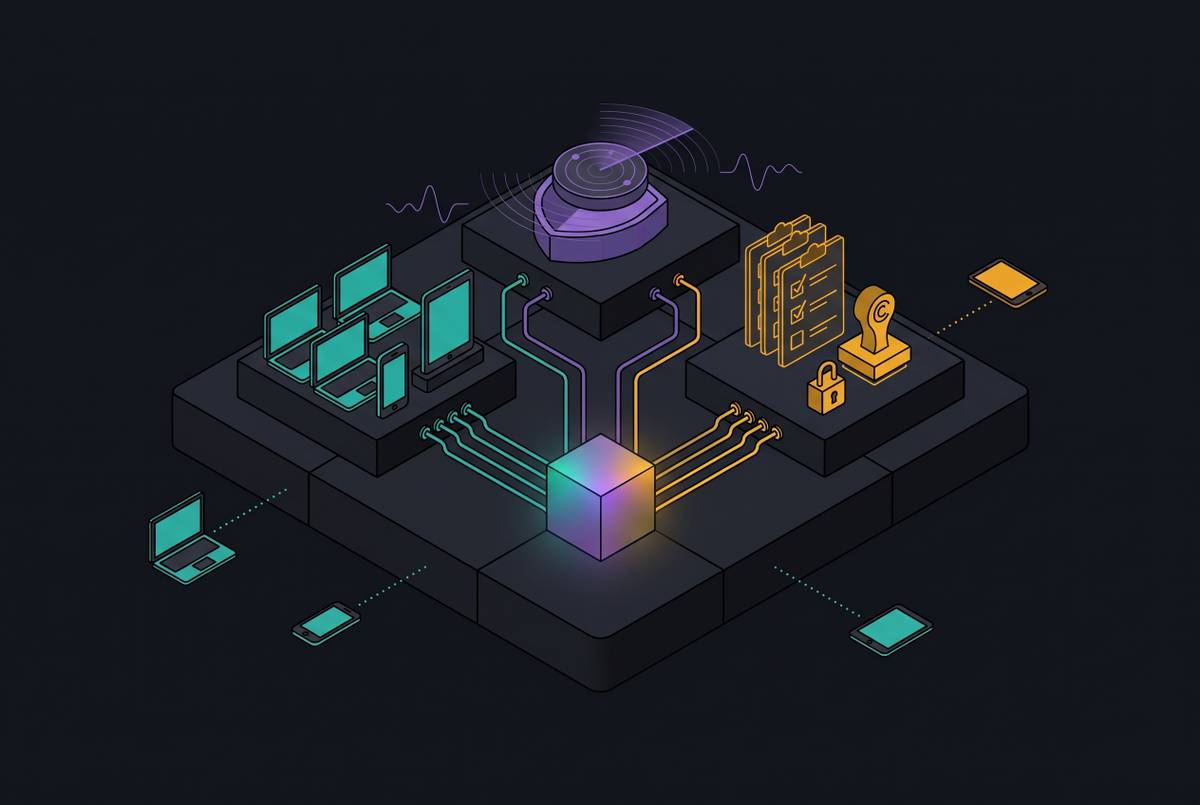
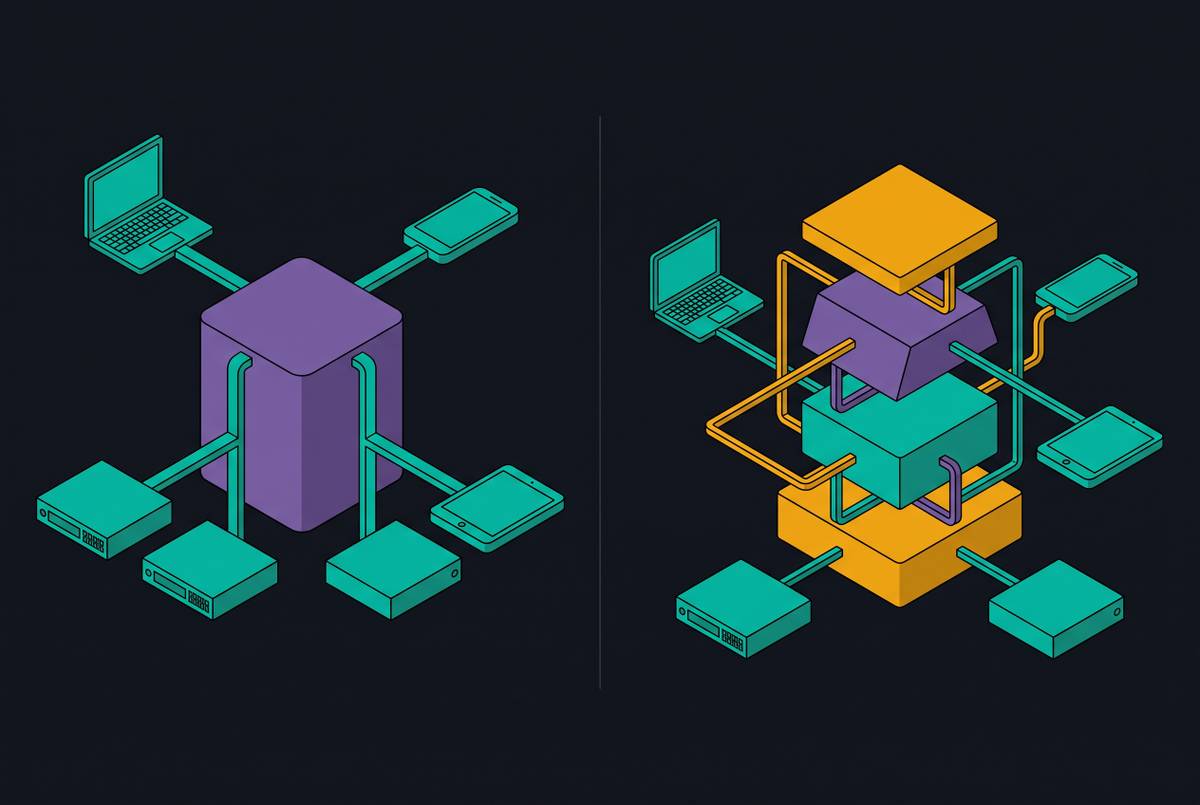
Where nobody can provide 24/7 response or manage several consoles, the relevant option is an integrated platform with managed response. With device management, endpoint protection, identity, and compliance in one place, a generalist can handle them together. Consolidation alone is not the deciding feature. Managed monitoring and response must also be included if the gap is that nobody watches alerts overnight.
Where the gap is credential exposure, endpoint detection alone is not enough. The map needs an explicit identity layer covering MFA enforcement and credential monitoring. These tools cover a way in that differs from malicious files or suspicious device behavior. The selection rule is to close the missing function within a workable management view.
The controls that must be in place before any endpoint tool can do its job
The map also needs a foundational layer covering credentials, patching, and recovery. MFA enforcement and credential monitoring address compromised accounts, while consistent patching reduces exposure to exploited vulnerabilities. These are prerequisites for endpoint protection. Their ownership needs to be clear because an endpoint agent cannot compensate for every weakness in how access and software are managed.
Recovery needs a verified, immutable backup. An endpoint tool may restore individual files, but when ransomware hits several devices, the business needs a clean restore point. The 3-2-1 rule means three copies, two media types, and one offsite. A team with EDR but no verified backup still has a critical gap, even when every device row shows a working agent and an assigned responder.
Drawing the finished map: a practical working template for a lean team
Put the finished map into a working document with four columns, namely device category, data exposure level, protection tier currently in place, and named responder. The last column can explicitly state that response is managed externally. A laptop category with EDR installed but no reviewer should not look equivalent to one with managed response, and an agent-ineligible terminal should retain its network-control requirement.
A blank cell or “whoever notices” is an open gap, while a named reviewer with defined hours makes the limits visible. Keep the foundational controls visible with the device map so that backup, identity, and patching do not disappear behind endpoint status. The document needs to be honest more than it needs fancy formatting. A lean team can draw it without a security expert if it is willing to change protection on rows where the answer is “nobody.”
Review the map when a new device category joins, a named responder leaves, or a compliance requirement changes a device class’s exposure. An integrated platform with monitoring and response built in can make the responder column easier to fill, but the document still needs to reflect the actual arrangement. The green dashboard now has something to answer to. The map shows which devices have an actionable response path and exactly where the team must act next.
Sources
- Connect Your Security Tools to Simplify Endpoint Security Management | Zip Security
- Best EDR for Small Business: A Buyer's Guide to Endpoint Security | Zip Security
- Identity Access and Device Management: A Simple Model for Modern SMB Security | Zip Security
- Cybersecurity for Startups: A Practical Guide to Getting Secure on a Budget | Zip Security