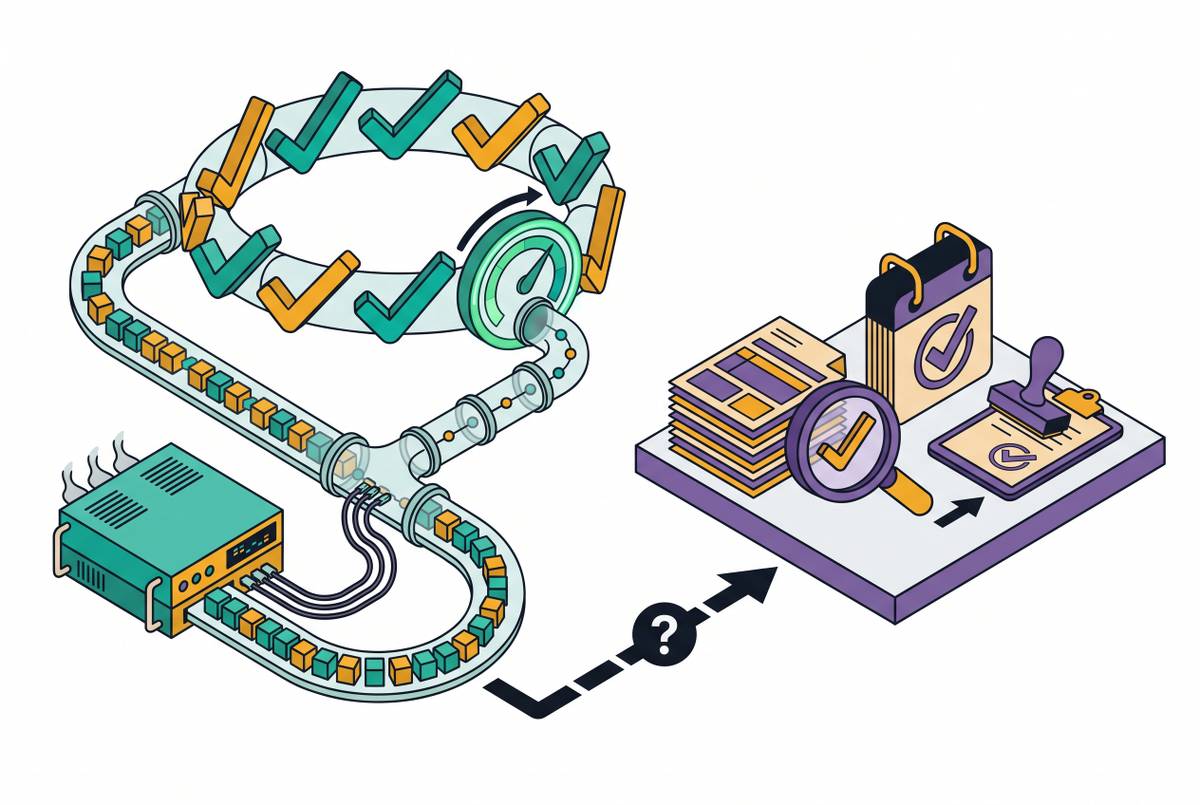
CMMC Endpoint Requirements for Defense Contractor SMBs
Small defense contractors must lock down every device touching sensitive data to win contracts.
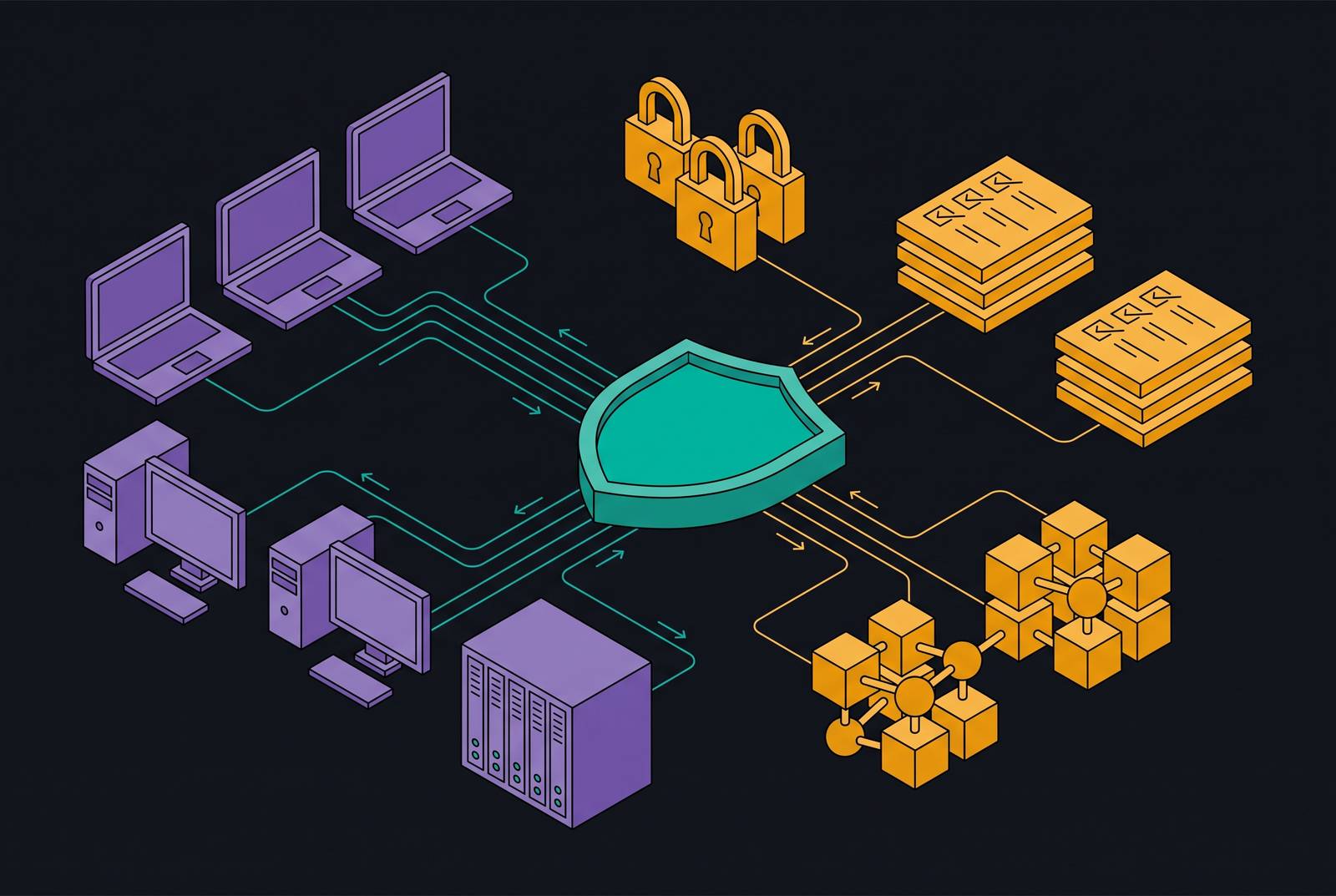
CMMC Level 2 requires a company to put all 110 controls from NIST SP 800-171 into practice, and most of those controls come down to what's happening on an actual device: a laptop, a server, a tablet on a shop floor. A contractor that can't show locked-down, monitored, patched endpoints can't win or renew a defense contract, full stop on the legal side, but the real test happens on the machines themselves. "Compliant" is not a binder on a shelf but a measurable condition of every device that touches sensitive information.
Every company in the Defense Industrial Base falls under Level 2 if it handles Controlled Unclassified Information. Size doesn't matter, and headcount doesn't matter. A ten-person machine shop has to meet the same obligation as a thousand-person prime contractor. Some contractors handling non-critical CUI can qualify for a self-assessment path instead of a mandatory third-party audit through a C3PAO, but the underlying control requirements don't shrink either way.
CUI covers more ground than most small contractors expect. Technical drawings count. Parts specifications count. CNC program files count. Export-controlled material counts. A machine shop running a CNC program that encodes a part's dimensions is almost certainly handling CUI, whether or not anyone there has used that term before. That single fact pulls in a huge number of small manufacturers and parts suppliers who assumed this requirement only applied to software companies or prime contractors handling classified data.
Smaller firms in the supply chain draw attention precisely because they tend to have weaker controls than the primes they supply. Nation-state actors and organized groups know that a lower-tier supplier with no dedicated security staff is an easier way into the defense supply chain than attacking a large prime contractor head-on. Endpoint weakness at a small supplier is a door into the rest of the supply chain, which is the reason the standard treats every in-scope device as a serious control point.
The 14 NIST 800-171 control families that map directly to endpoint behavior
NIST SP 800-171 organizes its 110 controls into 14 families. Five of those families, Configuration Management, System and Information Integrity, Access Control, Identification and Authentication, and the patch-and-vulnerability requirements folded into System and Information Integrity, govern endpoint behavior directly. The other nine matter too, but they tend to live in policy, training, and physical process.
Access Control, Awareness and Training (3 controls), Audit and Accountability (9 controls), Configuration Management (9 controls), Identification and Authentication, Maintenance (6 controls), Media Protection (9 controls), Personnel Security (2 controls), Physical Protection (6 controls), Risk Assessment (3 controls), Security Assessment (4 controls), System and Communications Protection, and System and Information Integrity (7 controls) make up the full list, with control counts where specified.
Five sections follow this one, and each takes on one piece of that endpoint-facing cluster: configuration management, behavioral monitoring, patching, access control, and the strategic question of how many devices actually need to carry the full weight of these controls. The rest of this piece walks through what each of those families demands in practice, on a real device, in a real small business that doesn't have a security operations center down the hall.
Device hardening and configuration management: the control most commonly failed at assessment
Configuration Management tends to be where SMB defense contractors first stumble during assessment. The standard doesn't just ask if secure settings exist on a machine. It asks whether those settings are documented, enforced, and provably maintained over months, not just true on the day an auditor happens to look.
In a defense contractor setting, that means aligning device baselines to standards like the CIS Benchmarks or DISA STIGs, a level of specificity most everyday commercial IT setups never reach. A documented baseline, in practice, looks like a written record (a spreadsheet, a policy document, a configuration management tool's output) that lists the approved security settings for every device type a company runs: what's enabled on a workstation, what ports are closed, what services are disabled, what encryption is turned on. Without that document, an assessor has nothing to compare a live device against.
Configuration Management asks for more than a baseline, though. It asks for a process that catches configuration drift, meaning when a device's actual settings have wandered away from what the baseline says they should be, someone or something notices and fixes it. It asks for control over what software can run on a device. An employee installing an unapproved application isn't just a hygiene problem under this standard, it's a direct violation. And it asks for change control: any change to an in-scope system has to be logged, reviewed, and approved before it happens, not after.
None of this can be waved away with a verbal assurance at assessment time. A contractor has to produce logs, screenshots, and policy documents showing a control was active over time, not just active on inspection day. A firewall that's turned on but undocumented still fails the audit, because the assessor has no way to confirm it was on last month, or the month before.
A lot of manufacturers get caught off guard by the shop floor scope problem here. If a CNC machine stores or processes a file containing CUI, that machine is in scope for CMMC, and it has to meet the same configuration requirements as an office laptop. Most small manufacturers never think to extend their security planning onto the factory floor, which is exactly where the gap tends to open up. Once a baseline is written down, configuration drift detection is what keeps it meaningful. A document that says what a device should look like is only useful if something is actively checking whether the device still looks that way, which is the exact capability the next section picks up.
Endpoint Detection and Response: why behavioral monitoring is required, not optional
CMMC Level 2 requires behavioral threat detection at the endpoint. Traditional antivirus just matches files against a database of known malware signatures, so it doesn't meet the standard on its own. Assessors expect Endpoint Detection and Response (EDR) capability specifically, not a substitute that only catches threats someone else has already identified and cataloged.
EDR means real-time behavioral monitoring paired with automated threat containment. Instead of asking "does this file match a known virus," it asks "is this process doing something a legitimate process wouldn't do," and it can act on that judgment immediately, without waiting for a human to sign off. The System and Information Integrity and Incident Response families together spell out what this looks like at the device level: active monitoring for malicious code and unusual activity in real time, the ability to isolate a compromised device from the network without needing an analyst standing at the keyboard, incident logging that captures and timestamps every security event in a form an assessor can later review, and an incident response capability that can be demonstrated on request, not just described on paper.
The threat model behind this requirement targets a specific kind of adversary. Defense contractor networks face nation-state adversaries, patient, well-funded, and aimed squarely at the defense supply chain, often working through smaller Tier 2 and Tier 3 contractors as a path to the primes. Tools built to catch opportunistic, mass-market malware aren't calibrated for that kind of adversary, and the standard reflects that mismatch directly.
The documentation itself creates a problem. Commercial antivirus doesn't produce the documentation an assessment requires: configuration records, incident logs, behavioral monitoring history. A contractor running antivirus alone fails on the control itself and on the paperwork that's supposed to prove the control exists, at the same time. If a platform combines EDR with device management and compliance documentation in one place, it closes both gaps together. Behavioral detection satisfies the System and Information Integrity controls, and the logging that comes with it produces the evidence the Incident Response controls demand, without a separate security tool purchase bolted on afterward.
Patch and vulnerability management: the NIST control with explicit remediation timelines
Patching under CMMC Level 2 is a documented, time-bound process that has to show remediation within set windows and produce records an assessor can check line by line.
The specific control, NIST 800-171 SI.L2-3.14.1, requires patch management with service-level agreements and verified remediation timelines. A contractor has to show when patches got applied and that critical vulnerabilities were closed inside an acceptable window. That starts with knowing what devices exist in the first place, through automated asset discovery, because a device nobody knows about is a device nobody is patching. From there, the process needs systematic vulnerability scanning that identifies known CVEs across every in-scope device on a set schedule, a documented framework that prioritizes critical and high-severity flaws over low-severity ones, and deployment records showing which device got which patch, on what date, with any exceptions logged along with the reason for the exception.
This is where "we update when we remember to" falls apart under CMMC. There's no record proving when the patching happened or how fast a critical flaw got closed, and an assessor has nothing to check against. The standard treats an undocumented patch the same way it treats an undocumented firewall rule: as if it never happened.
Legacy equipment makes this harder on the shop floor specifically. If an older system can't run a modern EDR agent, it often can't take current patches either, and a contractor can't just ignore those machines because they're inconvenient. The standard expects documented compensating controls instead, a written plan for how the risk is managed when the normal fix isn't available. Every answer in this section depends on one thing: knowing exactly which devices exist, which ones are patched, and which ones are enrolled in monitoring. That inventory question is also the foundation the next section builds on, since access control only means something once a company knows which devices it's controlling access to.
Access control and multi-factor authentication across every in-scope device
Access control under CMMC Level 2 has to be enforced at the device level; writing a policy isn't enough. Multi-factor authentication, least-privilege access, and session controls all have to be technically enforced on the endpoints themselves. A written policy that says employees should use MFA doesn't satisfy the standard if nothing on the device actually requires it.
The Access Control and Identification and Authentication families spell out what that enforcement looks like. You need multi-factor authentication for local and network access to privileged accounts, and for network access to non-privileged accounts, and that covers remote access and cloud applications both. Standard non-privileged users aren't required by IA.L2-3.5.3 to use MFA purely for local-only workstation login, so the requirement is narrower there than many contractors assume. Shop floor devices don't get a pass either. Handheld tablets and quality control devices used to check parts against technical drawings need MFA just like an office laptop does.
Least-privilege enforcement means a user only gets access to the data and functions their job actually requires, and that limit has to be built into the system technically, not just written into an acceptable-use policy employees sign once and forget. Privileged accounts, the local administrator accounts that exist on most endpoints, need to be managed and audited separately from everyday user accounts. Shared admin credentials used by multiple people fail this control immediately. Remote access sessions need encryption and device-level authentication, and a VPN connection by itself isn't enough if the endpoint connecting through it hasn't been enrolled and verified. Session lock and timeout settings have to be configured and enforced across every in-scope device, and a screensaver lock an employee can simply turn off in settings doesn't count.
A BYOD policy with no separation between CUI and personal use, and a shared workstation where multiple employees use one pooled login, are two starting conditions that appear constantly at small defense manufacturers, and both fail these families right away. A platform that ties identity and device management together can enforce MFA enrollment across every endpoint from one place, closing this gap without standing up a separate identity system just for this purpose.
Access control extends past the screen, too. An assessor will check whether a visitor walking through the building could glance at a monitor and see a CUI drawing displayed on it. Badge logs and physical access records are part of the access control requirement itself, not a side consideration tacked on for the physical security family.
Scope reduction: isolating CUI to reduce how many devices must meet the full standard
The most effective way an SMB defense contractor controls the cost of all this is limiting how many devices fall under CMMC scope in the first place, through deliberate design of a CUI enclave.
The governing principle is narrower than most contractors assume at first. Only systems that store, process, or transmit CUI are in scope, along with Security Protection Assets, Contractor Risk Managed Assets, and Specialized Assets. Everything outside that boundary doesn't have to meet the full 110 requirements of the governing standard. If a company spreads CUI across every laptop, every file share, and every email inbox in the building, it has turned its entire network into the compliance boundary. A company that pulls CUI into a defined, isolated set of systems only has to bring that smaller set up to the full standard.
Building that boundary starts with finding every place CUI actually enters, lives, or leaves the organization, including email, file shares, CNC program files, and collaboration tools employees use day to day. From there, you consolidate CUI handling onto a defined set of devices and systems, kept apart from the general corporate network. Network segmentation enforces that separation technically, so in-scope devices can't freely talk to out-of-scope devices. A flat network where every machine can reach every other machine fails this test regardless of how well any individual device is configured.
Scope reduction doesn't replace the work described in the sections above. Every device inside the enclave still needs the configuration baselines, the behavioral monitoring, the patch records, and the access controls already laid out. What scope reduction changes is the denominator: fewer devices carrying the full weight of NIST SP 800-171 means less surface area to document, monitor, and defend, and a far more realistic path to passing assessment for a contractor without a dedicated security team.